 Homeray
Read any menu. Know what is in it.
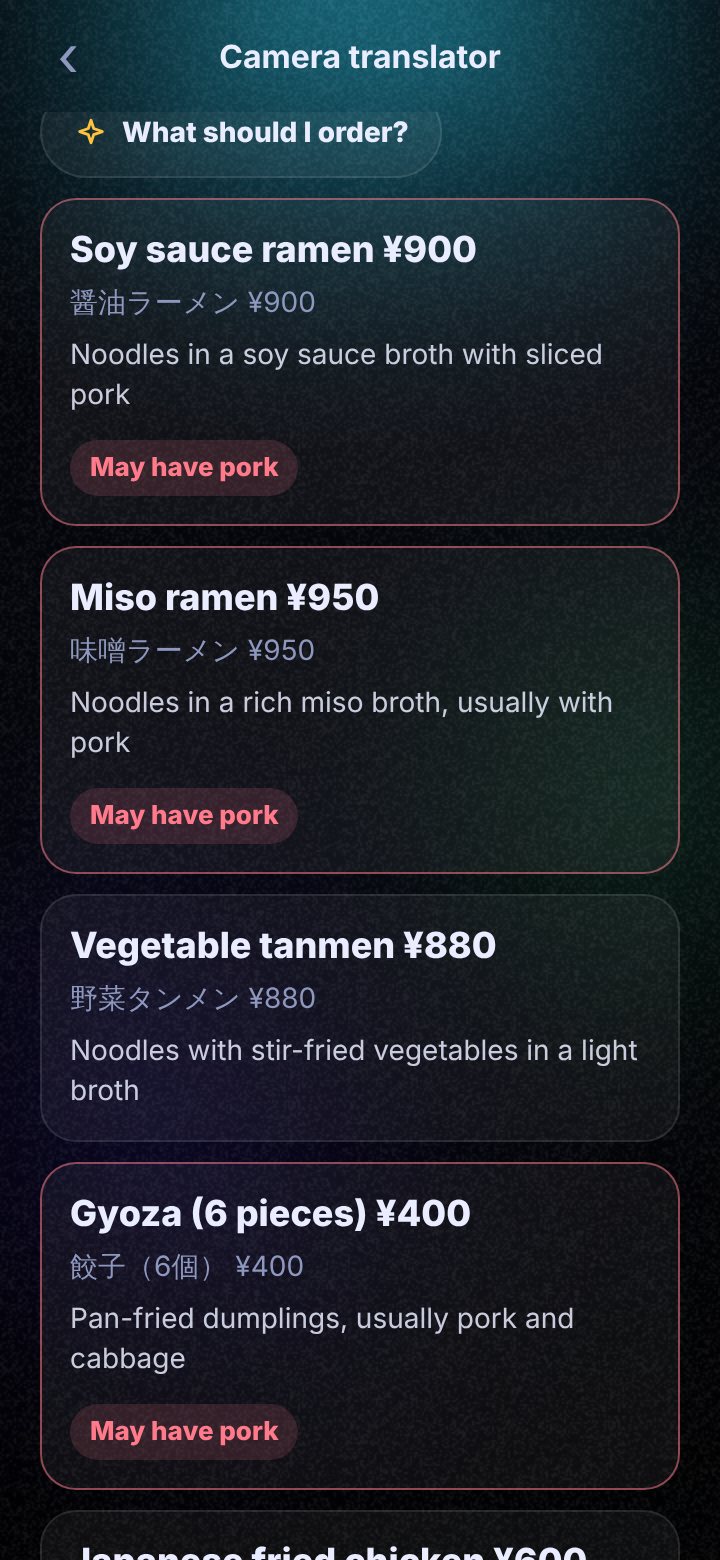
Travelling, or at a new restaurant? Point your camera at the menu and read it in your own language, with a warning on dishes that may have pork, alcohol or nuts.
Three steps.
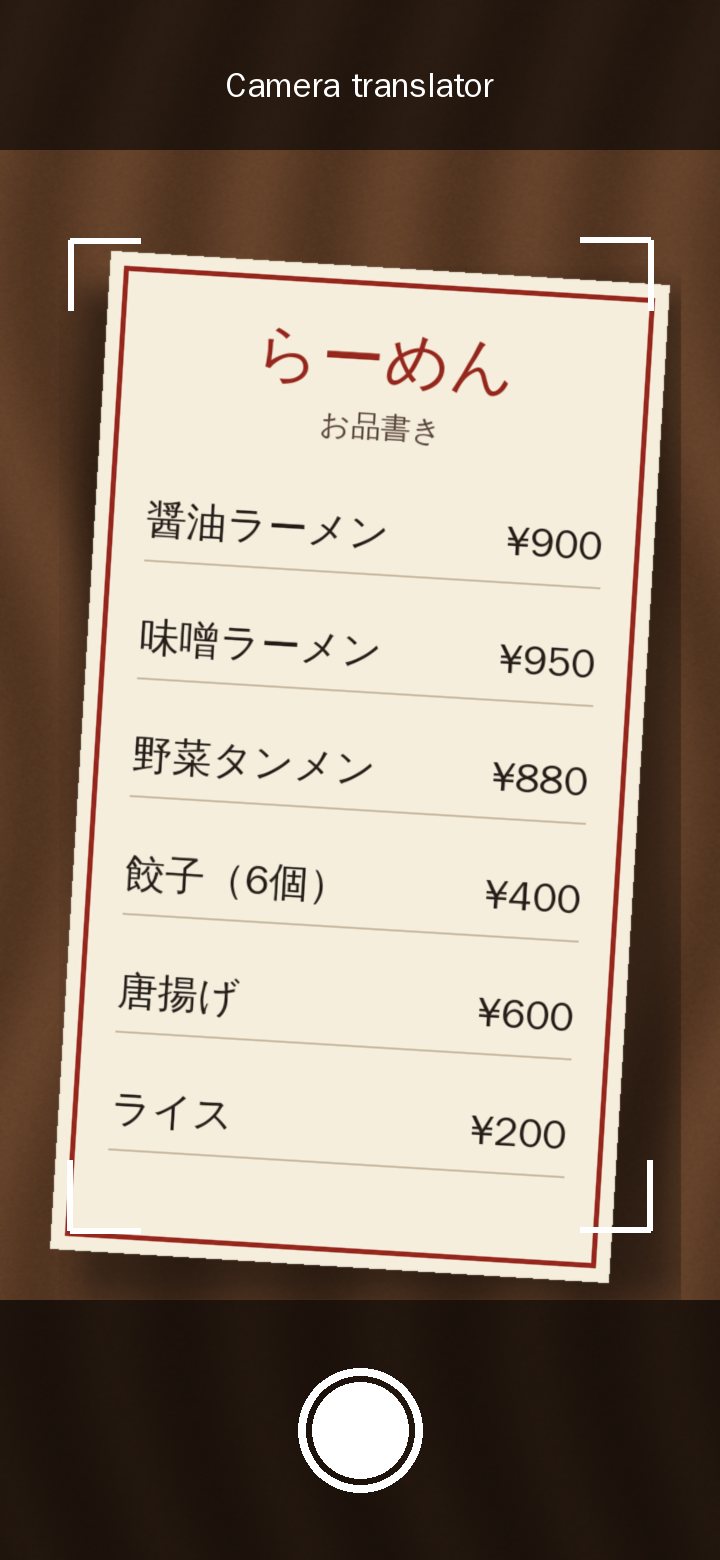
Open Tools, then Translate, then Camera translator.
Take a photo of the menu, sign or label.
Read it in your language. Tap What should I order? for ideas, or ask about any dish.
See it work.
A menu read in your language, then a two-way talk translator. Recorded in the real app.
Watch the 90-second tourYour language
Pick from 20 languages to read it in, including English, Bahasa Malaysia and Chinese.
Food check
It flags dishes that may have pork, alcohol, beef, seafood, nuts, milk, gluten or chilli.
Talk face to face
The talk translator puts both languages on one screen, so you can ask the waiter yourself.
Good to know.
Is it free?
Yes. The app and every tool are free, and the free AI needs no key. You can also add a free Gemini key or your own key.
Can I trust the food check?
Treat it as a helpful first look, not a promise. It reads the words on the menu, and a menu does not always list everything. If it matters for your faith or your health, ask the shop.
Does it keep my photos?
No. The photo goes to your AI to be read, and the app does not save the picture. Your last few translations stay on your phone as text.
Try it on your phone.
Ask for your early access spot. It is free, and Android comes first.
Quick question first? Message me on WhatsApp